Can Cloudways Host Next js Server Side Rendering? Complete Setup Guide
Home / Blog
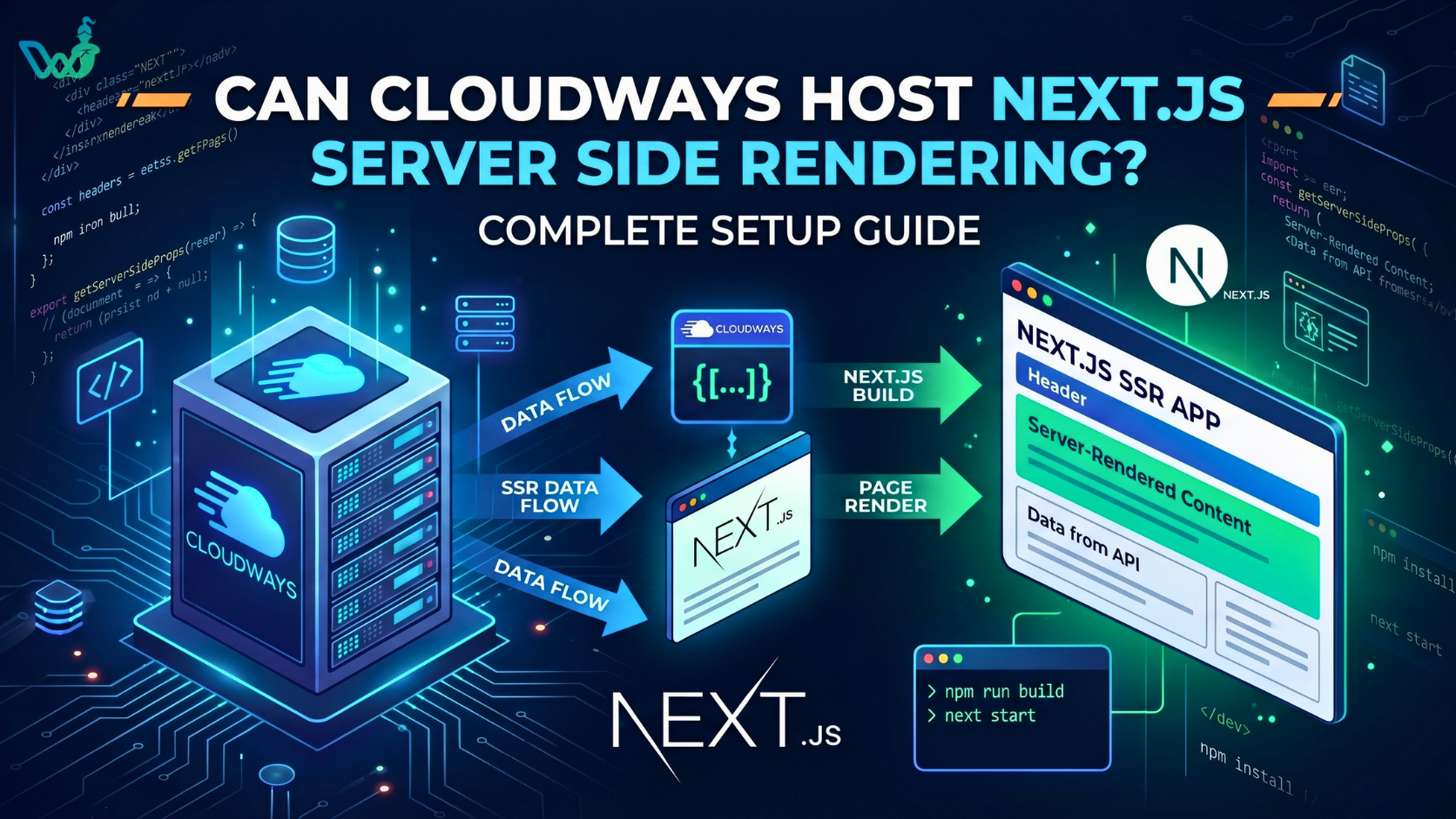
Cloudways can host Next.js Server-Side Rendering (SSR) applications by running them on a managed Node.js environment with tools like PM2 and Nginx for production deployment.
Unlike static hosting platforms that only serve pre-generated files, Cloudways provides a persistent server environment where Next.js can execute server-side code, fetch data dynamically, and generate HTML for each request.
Next.js SSR requires an active Node.js runtime because pages are rendered on the server instead of being delivered only as static files. With Cloudways, developers can install compatible Node.js versions, manage background processes, configure reverse proxy settings, connect domains, and enable SSL certificates.
Cloudways is suitable for developers, agencies, SaaS companies, and ecommerce businesses that need server control, custom backend integrations, database connectivity, and predictable hosting costs. It works especially well for applications that require long-running Node.js processes instead of serverless-only hosting.
This guide explains how Next.js SSR works on Cloudways, required server specifications, deployment steps, performance optimization methods, Cloudways vs Vercel differences, and solutions for common hosting issues.
How Cloudways Supports Next.js SSR Applications
Cloudways supports Next.js Server-Side Rendering (SSR) applications by providing a server environment where Node.js applications can run continuously. Developers can manage application processes, server settings, and traffic routing while maintaining control over their SSR deployments.
Cloudways supports Next.js SSR with essential features:
-
Node.js hosting allows developers to run Next.js applications on a production server.
-
PM2 process management keeps applications running and automatically restarts failed processes.
-
Nginx reverse proxy routes requests between users and the Next.js application.
-
SSL configuration enables secure HTTPS connections.
-
SSH access allows developers to manage files, install tools, and review logs.
SSR applications generate pages dynamically, making them suitable for frequently updated and personalized content.
Common use cases for Next.js SSR include:
-
Ecommerce product pages with changing inventory and pricing.
-
User dashboards with account-specific information.
-
Membership platforms with private user content.
-
Dynamic websites such as booking systems and news platforms.
Cloudways provides the infrastructure required for these applications through Node.js support, process management, and server configuration options.
How Does Next.js SSR Work?
Next.js Server-Side Rendering (SSR) generates HTML on the server before sending the page to the user's browser. When a visitor requests a page, the Next.js server processes data, creates the HTML output, and delivers the rendered content.
Unlike Client-Side Rendering (CSR), where the browser builds pages after downloading JavaScript, SSR sends pre-rendered HTML first. This improves initial page delivery and helps search engines access page content more easily.
Next.js SSR is commonly used for dynamic pages that require fresh data, including ecommerce pages, user dashboards, and news websites.
The Next.js SSR Request Lifecycle
The Next.js SSR process follows 5 main steps:
1. User requests a webpage
The browser sends a request for a URL such as /products, /dashboard, or /profile.
2. Nginx forwards the request to Node.js
Nginx works as a reverse proxy and connects incoming requests with the Next.js application.
3. Next.js processes data and components
The server collects required information from databases, APIs, and internal services.
4. Next.js generates HTML
Next.js creates the webpage output and sends the rendered HTML to the browser.
5. React hydration adds interaction
After JavaScript loads, React enables interactive features such as buttons, forms, and user actions.
This process allows Next.js applications to deliver dynamic content with faster initial page loading.
SSR vs CSR vs SSG in Next.js
Next.js supports 3 main rendering methods: SSR, CSR, and SSG.
|
Rendering Method |
How It Works |
Best For |
|
SSR |
Generates pages on every request |
Ecommerce pages, dashboards, personalized content |
|
CSR |
Browser creates pages after JavaScript loads |
Interactive web applications |
|
SSG |
Generates pages during the build process |
Blogs, documentation, landing pages |
SSR works best for frequently changing information, including inventory updates, account details, and personalized recommendations.
CSR is useful for interactive applications where users perform actions after the page loads, such as project management tools and other web applications.
SSG works well for content that changes less frequently, such as blogs, documentation websites, and marketing pages.
Why SSR Matters for SEO and Performance
SSR improves initial page delivery by sending rendered HTML before complete JavaScript execution. Search engines can access this HTML content, which helps them understand and index dynamic pages.
The rendering method can improve important performance metrics:
-
First Contentful Paint (FCP): Measures when the first visible content appears.
-
Time to First Byte (TTFB): Measures server response speed.
-
Largest Contentful Paint (LCP): Measures when the largest page element loads.
Google reports that 53% of mobile visitors leave pages that take longer than 3 seconds to load. Faster rendering can help improve user experience and reduce abandonment.
For dynamic websites, SSR provides a balance between performance, SEO accessibility, and personalized content.
Why Choose Cloudways for Next.js SSR?
Cloudways supports Next.js SSR applications with managed cloud infrastructure, Node.js support, server control, and flexible scaling. The platform provides the environment required to run dynamic applications without managing every infrastructure task manually.
Cloudways offers deployment tools, security features, automated backups, and monitoring options. These features help businesses run ecommerce stores, dashboards, SaaS applications, and membership platforms reliably.
Managed Cloud Infrastructure
Cloudways manages essential server operations, including provisioning, updates, backups, and monitoring. Developers can focus on application development while Cloudways handles server configuration, security updates, and maintenance.
Cloudways supports multiple cloud providers, including DigitalOcean, AWS, Google Cloud, Vultr, and Linode.
Scheduled backups protect application data, while monitoring tools help track server resources, application speed, and overall performance.
Scalability for Growing Next.js Applications
Cloudways supports application growth through vertical and horizontal scaling. These options help Next.js SSR applications manage increasing traffic and resource demands.
Vertical scaling increases resources on an existing server, including:
-
CPU upgrades for handling more SSR requests.
-
RAM increases for larger Next.js applications.
-
Storage expansion for additional files and databases.
Horizontal scaling distributes traffic across multiple servers. It uses methods such as load balancing and multiple application servers.
These scaling options help applications handle higher traffic volumes. Examples include ecommerce stores during sales events and platforms serving thousands of active users.
Security Features for SSR Applications
Cloudways provides security features to protect Next.js SSR applications, server environments, and user data. SSR applications process server requests and dynamic information, which requires strong security controls.
Key security features include:
-
Dedicated firewall for filtering unwanted network access.
-
SSL certificates for encrypted HTTPS connections.
-
SSH access for secure server management.
-
IP restrictions for limiting unauthorized access.
-
Security updates for maintaining server protection.
-
CDN and WAF options for faster delivery and malicious traffic filtering.
These security features support dynamic applications such as ecommerce websites, customer portals, and SaaS platforms.
Requirements for Hosting Next.js SSR on Cloudways
Hosting Next.js SSR on Cloudways requires a Node.js server, suitable resources, and a configured web environment. Requirements depend on application size, traffic, database usage, and backend services.
Server Requirements for Next.js SSR on Cloudways
|
Component |
Minimum |
Recommended |
|
Node.js |
Node.js 18+ |
Node.js 20 LTS |
|
RAM |
2GB |
4GB–8GB+ |
|
CPU |
1–2 vCPU |
4+ vCPU |
|
Storage |
20–25GB SSD |
50GB+ SSD |
|
Process Manager |
PM2 |
PM2 ecosystem setup |
|
Web Server |
Nginx |
Nginx configuration |
|
SSL |
Required for production |
Let's Encrypt |
Node.js 20 LTS is recommended for production deployments. It provides long-term maintenance and compatibility with modern Next.js features.
Recommended Cloudways Server Size for Next.js SSR
The right Cloudways server size depends on application complexity, traffic volume, and resource usage.
For smaller projects, this configuration is usually enough:
-
2GB RAM for low-traffic websites.
-
1–2 vCPU for basic SSR rendering.
-
20–25GB SSD storage for smaller applications.
This setup works well for personal websites, prototypes, and internal tools.
Production applications require stronger resources, including:
-
4GB–8GB RAM for stable performance.
-
4+ vCPU for handling multiple SSR requests.
-
50GB+ SSD storage for larger files and databases.
Examples include ecommerce stores, customer portals, and SaaS applications.
High-traffic applications may need additional resources, such as:
-
More CPU power for frequent SSR requests.
-
Additional RAM for concurrent users.
-
Load balancing for distributing traffic across multiple servers.
Software Requirements Before Deployment
A Next.js SSR deployment on Cloudways requires software tools, source code access, and configuration settings.
Prepare these requirements before deployment:
-
Node.js 18 or Node.js 20 LTS for running the application.
-
npm or yarn for managing dependencies.
-
Git repository for storing and deploying source code.
-
Environment variables for API keys, database URLs, and authentication settings.
-
Custom domain connected to the Cloudways server.
-
SSL certificate enabled through Let's Encrypt or another provider.
A Git workflow supports version tracking and controlled deployments. SSL encryption protects user data, including login sessions, payments, and API requests.
Before launch, test the application build, confirm Node.js versions, and verify domain routing settings.
How to Deploy a Next.js SSR App on Cloudways (8 Steps)
You can deploy a Next.js SSR app on Cloudways by creating a server, installing Node.js, configuring PM2, and setting up Nginx. The deployment process includes 8 steps to create a production-ready environment for dynamic applications such as ecommerce stores, dashboards, and SaaS platforms.
Step 1: Create a Cloudways Server
Create a Cloudways server by choosing a cloud provider, server size, and application environment.
Follow these steps:
-
Log in to your Cloudways account.
-
Select a cloud provider.
-
Choose server resources based on your application requirements.
-
Launch the application environment.
Cloudways supports multiple cloud providers, including DigitalOcean, Amazon Web Services (AWS), Google Cloud, Vultr, and Linode.
The server size should match your expected traffic and application needs. For example, smaller projects may start with 2GB RAM, while production applications may require 4GB–8GB RAM.
Step 2: Install Node.js on Cloudways
Install and configure Node.js on your Cloudways server using SSH access.
Complete these steps:
Install Next.js dependencies by running npm install inside your project directory.
Use:
npm install
This command installs the packages required for your Next.js application.
Before building the application, check for:
-
Missing packages.
-
Dependency version conflicts.
-
Failed installations.
A clean dependency setup helps prevent build errors and runtime issues during deployment.
Step 5: Build the Next.js Application
Build the Next.js application with npm run build to generate production-ready files.
Run:
npm run build
The build process creates optimized .next files required for production SSR rendering.
Build failures can occur when server resources are limited. This is common with large applications, complex pages, and projects with heavy dependencies.
Step 6: Configure PM2 Process Manager
Configure PM2 to keep your Next.js SSR application running continuously on Cloudways.
PM2 helps manage production applications by:
-
Keeping applications active in the background.
-
Restarting applications after crashes.
-
Starting applications automatically after server reboots.
Install PM2:
npm install pm2 -g
Create an ecosystem.config.js file and start your application:
pm2 start ecosystem.config.js
pm2 save
PM2 improves application reliability by maintaining the Node.js process in production environments.
Step 7: Connect Domain and Configure Nginx
Connect your domain by adding DNS records and configuring Nginx as a reverse proxy.
Complete these steps:
-
Add a DNS A record pointing to your Cloudways server IP.
-
Map your domain in Cloudways.
-
Configure Nginx reverse proxy rules.
The request flow works as:
HTTPS → Nginx → Node.js → Next.js
Nginx receives incoming requests and forwards them to the running Next.js application.
Step 8: Enable SSL Certificate
Enable a Let's Encrypt SSL certificate to secure your Next.js SSR application with HTTPS.
Follow these steps:
-
Open SSL management in Cloudways.
-
Install a Let's Encrypt certificate.
-
Enable HTTPS redirect.
-
Confirm automatic renewal.
HTTPS protects data transfer between users and servers, including login details, payment information, and private user data.
Automatic renewal prevents certificate expiration and helps maintain secure, uninterrupted access.
Cloudways Next.js SSR Performance Optimization
Cloudways Next.js SSR performance improves through CDN delivery, caching strategies, image optimization, and database tuning. These improvements reduce server workload, increase response speed, and provide a better experience for users.
Since SSR applications process dynamic requests on every visit, proper optimization helps maintain faster loading times and stable application performance.
Use CDN for Static Assets
A CDN improves asset delivery by serving static files from servers located closer to users. A Content Delivery Network stores files across multiple geographic locations, which reduces the distance between users and website resources.
Recommended CDN options include:
-
Cloudflare for global content delivery and security features.
-
BunnyCDN for fast asset distribution and media delivery.
Optimize these static resources:
-
Images such as product photos, banners, and thumbnails.
-
JavaScript files such as application bundles and client scripts.
-
CSS files such as stylesheets and design components.
CDN caching reduces repeated requests for static files and helps deliver content faster.
Implement Smart Caching Strategies
Smart caching improves Next.js SSR performance by reducing repeated server processing. Next.js includes built-in caching methods for dynamic applications, including Data Cache, Full Route Cache, and request memoization.
Common caching strategies include:
-
Next.js ISR (Incremental Static Regeneration) for updating static pages after deployment.
-
Cache-Control headers for managing browser and CDN storage behavior.
-
Redis caching for storing frequently requested data.
-
API response caching for reducing repeated backend requests.
Cached data can include product information, user preferences, and API responses.
Caching settings should match the type of content being served. For example, live pricing information may require shorter cache periods, while blog pages can use longer caching durations.
Optimize Images with Next.js Image
The Next.js Image component improves website performance through automatic image optimization. Developers should use the built-in next/image component instead of standard HTML image tags.
Key benefits include:
-
Automatic image resizing.
-
Responsive image loading.
-
Lazy loading support.
Modern image formats can further improve loading speed:
-
WebP for smaller image sizes.
-
AVIF for advanced compression.
Install the sharp package to improve image processing:
npm install sharp
Optimized images reduce bandwidth usage and help pages load faster.
Improve Database Performance
Database optimization improves SSR response times by reducing query delays and server workload. Efficient database operations allow Next.js applications to deliver dynamic content more quickly.
Important database improvements include:
-
Database indexing for faster searches and queries.
-
Connection pooling for managing database requests efficiently.
-
Redis caching for frequently accessed information.
-
Same-region hosting for reducing network latency.
Database indexing, connection pooling, and Redis caching improve query performance while reducing unnecessary server processing. Keeping application servers and databases in the same region also helps minimize network delays.
For production Next.js SSR applications, combining CDN delivery, caching strategies, image optimization, and database tuning creates a faster and more reliable hosting environment.
Cloudways vs Vercel for Next.js SSR
Cloudways fits Next.js SSR applications that need server control. Vercel suits projects that need automated deployments and managed scaling.
Both platforms support Next.js SSR but use different hosting models. Cloudways runs applications on managed servers with persistent Node.js processes, while Vercel uses serverless and edge-based execution.
|
Feature |
Cloudways |
Vercel |
|
Server Control |
Full server access |
Limited server management |
|
Backend Flexibility |
Custom backend hosting |
Managed functions and APIs |
|
Scaling |
Manual or custom scaling |
Automatic scaling |
|
Developer Control |
High |
Medium |
|
Runtime |
Persistent Node.js |
Serverless and edge execution |
|
Pricing |
Fixed server resources |
Usage-based model |
Cloudways supports applications requiring persistent Node.js processes, custom backend services, database connectivity, and greater server control. Examples include ecommerce platforms, SaaS applications, and custom business systems.
Vercel supports projects requiring fast deployments, automatic scaling, and minimal server management. It works well for frontend-focused Next.js applications.
Choose Cloudways for custom server configurations, backend flexibility, and long-running Node.js applications. Choose Vercel for simplified deployments and managed Next.js infrastructure.
Common Issues When Hosting Next.js SSR on Cloudways
Common Next.js SSR hosting issues on Cloudways include build failures, server errors, version conflicts, and memory problems. Monitoring server resources, application logs, and runtime versions helps prevent deployment issues.
Next.js Build Failures Due to Memory Limits
Next.js builds can fail when servers have limited RAM or large application dependencies.
Common causes:
-
Insufficient server memory.
-
Large application bundles.
-
Heavy dependencies.
Solutions:
-
Upgrade RAM and CPU resources.
-
Add swap memory.
-
Increase Node.js heap size.
Example command:
NODE_OPTIONS="--max-old-space-size=4096" npm run build
Nginx 502 Bad Gateway Errors
A 502 Bad Gateway error occurs when Nginx cannot connect with the Next.js Node.js process.
Common causes:
-
Incorrect port configuration.
-
PM2 process failure.
-
Wrong proxy settings.
Check PM2 status:
pm2 status
Verify the application port:
curl localhost:3000
Restart processes if required:
pm2 restart all
Node.js Version Compatibility Issues
Next.js requires a supported Node.js version for stable production deployments.
Recommended versions:
-
Node.js 18+ for compatibility.
-
Node.js 20 LTS for long-term support.
Verify the installed version:
node -v
Application Memory Issues
High memory usage can occur due to memory leaks, inefficient caching, or heavy server-side operations.
Solutions:
-
Enable PM2 memory monitoring.
-
Optimize caching strategies.
-
Upgrade server resources when traffic increases.
Example PM2 setting:
max_memory_restart: "1G"
Additional Deployment Checks
Before launching a Next.js SSR application, verify:
-
Environment variables and API keys.
-
PM2 and Nginx logs.
-
Database connections.
-
Server resource usage.
Regular monitoring helps maintain stable Next.js SSR performance on Cloudways.
Conclusion
In conclusion, Cloudways can host Next.js Server-Side Rendering applications using a Node.js environment, PM2, and Nginx. It provides server control for dynamic websites with database connections and custom backend integrations.
A successful SSR deployment requires correct server configuration, supported Node.js versions, process management, and SSL setup. Performance improves with caching, CDN delivery, image optimization, and database tuning.
Cloudways suits developers and businesses that need infrastructure control. Vercel suits users who prefer automated deployments and managed scaling.
Choose hosting based on application requirements, traffic needs, and development goals. Deploy your Next.js SSR application on Cloudways with a secure and optimized production setup.
Stay Ahead in Digital Marketing
Get exclusive insights, trends, and strategies delivered straight to your inbox. Subscribe now!
Web Genie
Driving Digital Growth with Innovation & Strategy
Quick Links
Contact Info
- info@webgenie.io
- +44 7472 732550
- Office 1009 85 Dunstall Hill, Wolverhampton, United Kingdom, WV6 0SR
Social Media
© 2025 Web Genie, All Rights Reserved.